




Arc Hydro Groundwater
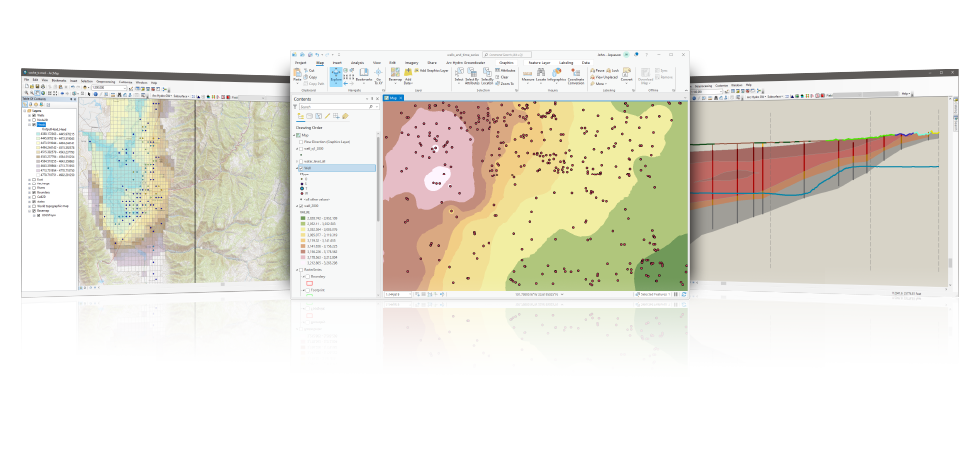
 ESRI and Aquaveo are pleased to bring you the Arc Hydro Groundwater Tools to help you better manage your groundwater and subsurface data within ArcGIS.
Based on the Arc Hydro Groundwater data model, the tools will enable you to take advantage of the ArcGIS platform to archive, manage, and visualize your groundwater information.
- Expand your ArcGIS software with groundwater and subsurface geoprocessing tools developed in collaboration with ESRI
- Georeference subsurface data including boreholes, sketched cross sections, and geovolumes
- Reduce the need for multiple applications - visualize model data inside of ArcGIS
- Store, georeference, and create GIS maps of MODFLOW model input and solution data
Additional information on the data model can be found at the Arc Hydro Groundwater wiki.
Visit the Hydro Resource Center, an online community center with resources for implementing ArcGIS in a wide array of hydro applications.
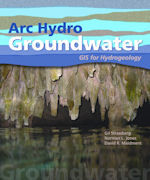
Arc Hydro Groundwater: GIS for Hydrogeology - now available from ESRI Press at Amazon!
Groundwater Analyst
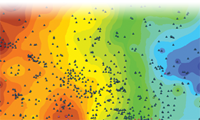
Import a variety of datasets (wells, time series, cross sections, volumes) into your geodatabase, manage symbology of layers in ArcMap and ArcScene, map and plot time series, and create common products such as water level, water quality, and flow direction maps.
*Groundwater Analyst is free with an Arc Hydro Groundwater license purchase.
Subsurface Analyst
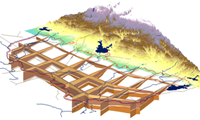
Create and visualize both 2D & 3D geologic models, starting with classification and visualization of borehole logs, creation and editing of cross sections, and generation of 3D geosections and geovolumes.
Whether you are in the petroleum, geotechnical, mining or groundwater industries, the new Subsurface Analyst will manage all subsurface data - within ArcGIS.
MODFLOW Analyst
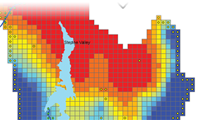
Edit, archive, and visualize MODFLOW models within ArcMap. Tools in the toolkit enable you to import an existing model into the geodatabase and geo-reference the model so you can visualize and analyze the results in context with other GIS data, as well as modify models from GIS features.
Arc Hydro Groundwater System Requirements
- ArcGIS® Desktop: Version 9.3 - 10.8 (users with a Basic level or higher license)
- Microsoft® .NET Framework Version 3.5 (will be installed with Arc Hydro Groundwater if not present)
- .NET support needs to be enabled in ArcGIS after installation of Arc Hydro Groundwater is complete
- ESRI's 3D Analyst is required to visualize 3D features
- ESRI's Spatial Analyst is required for interpolation
- ArcGIS® Pro: Version 3.0 (users with a Basic level or higher license)
- Microsoft® .NET Framework Version 6.0 (will be installed with Arc Hydro Groundwater if not present)
- .NET support needs to be enabled in ArcGIS after installation of Arc Hydro Groundwater is complete
- ESRI's 3D Analyst is required to visualize 3D features
- ESRI's Spatial Analyst is required for interpolation